What is new in MagniZone 2.0?
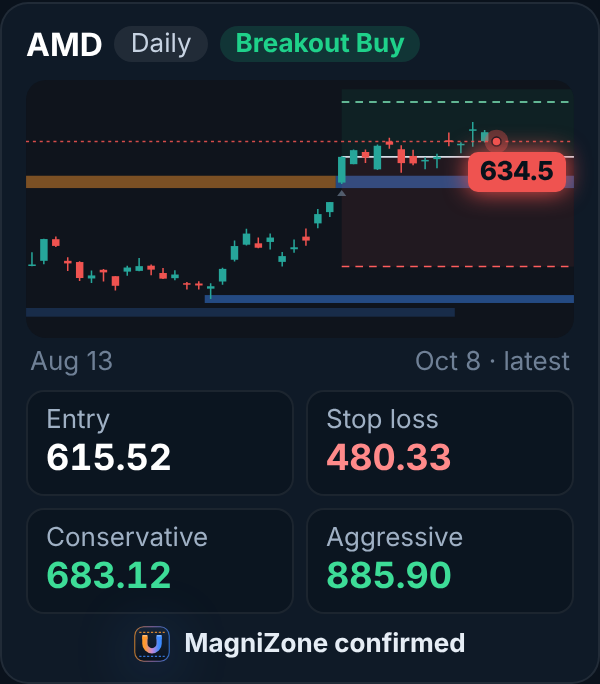
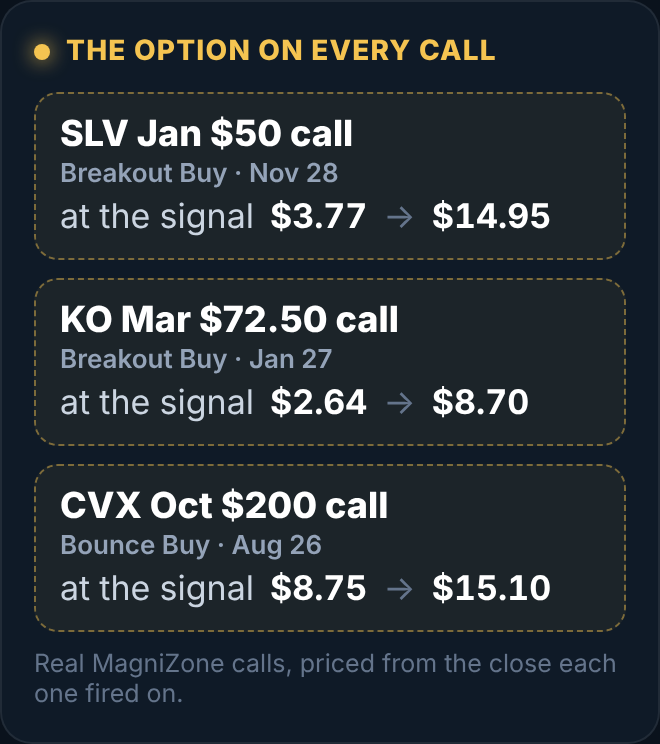
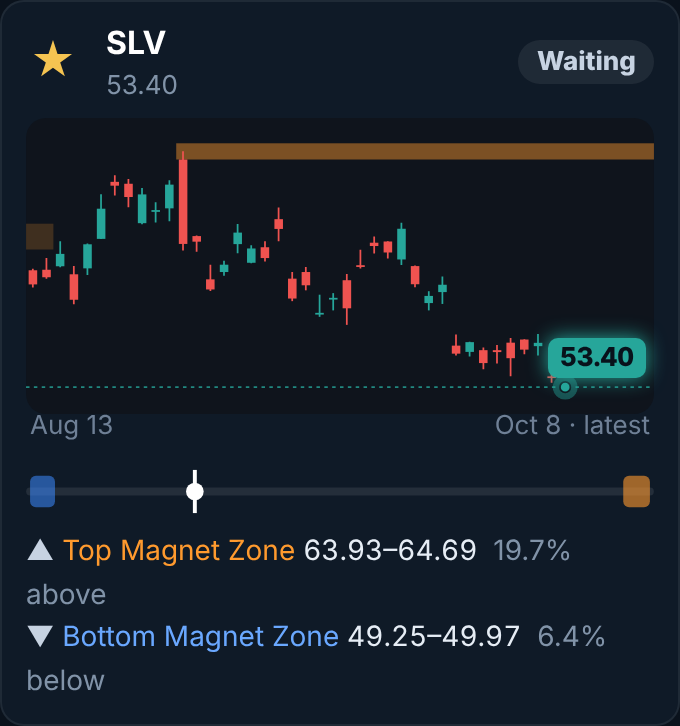
MagniZone now runs on our own platform. It scans our list of the most-traded US stocks and ETFs on every candle close and calls only A setups in an up market: Breakout Buys within 5% of the stock's 52-week high, and Bounce Buys when a stock in an uptrend drops hard into support and holds, one call per chart at a time. Every call comes with an entry, a stop, a conservative target and an aggressive target, and every result goes on the scorecard.
What are the conservative and aggressive targets?
Every call has two. The conservative target (TP1) sits close to the entry, so it is reached most often: half the trade comes off there and the stop moves up to your entry, so the rest cannot turn into a loss. The aggressive target (TP2) is the full move the breakout points to, twice the risk on the daily chart and three times on the 4-hour: the rest runs there, or comes back to breakeven.
Where is the stop?
Under the lows of the last few candles, and never closer than one ATR (the stock's average move per candle), so normal wiggle does not knock you out.
Which charts does it run on?
The daily and the 4-hour, on our list of the most-traded US stocks and ETFs. It updates when each candle closes, so there is nothing to refresh or click through.
Do I still get the TradingView indicator?
Yes. The TradingView version, its 1-minute install guide and the alert setup are on the TradingView tab of the MagniZone page in your dashboard.
Why not just TradingView?
From November 1, TradingView no longer allows access to invite-only indicators to be sold outside its own Marketplace, and it can change those rules with a month's notice. MagniZone 2.0 does not depend on them.
Is this a subscription?
No. Either plan is one charge, once: Lifetime is $197, for life; 1-Year Access is $97, for 1 full year of access, and it never renews or charges again. No monthly or yearly charges.
When do I get access?
Right away. Your access email arrives within a minute or two, and the thank-you page has a button straight into your members dashboard.
What if it is not for me?
You have 14 days for a full refund, no questions asked: just ask through Support in your dashboard.